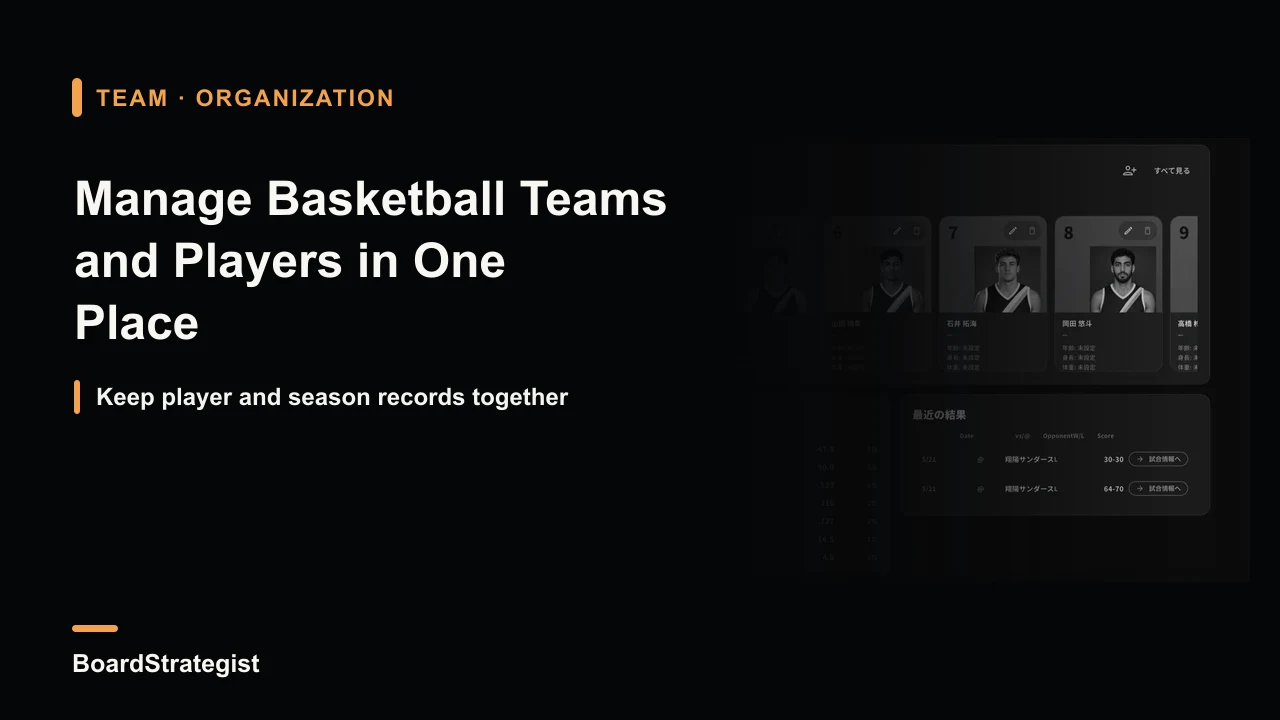
This guide is for coaches and managers who look after more than one team or age group—such as separate grade teams or A and B squads—and find rosters, game records, and season totals scattered across notebooks and spreadsheets.
I develop BoardStrategist, a basketball tactics-board and scorebook app for iPad (also available on iPhone). I introduce it later in the article, but the information-management principles here can also be used with paper records or spreadsheets.
What team information tends to get scattered?
Running a team means keeping track of more information than it may first seem. Most of it falls into three groups:
- Roster: names, jersey numbers, positions, height, weight, birthdays, and other player details.
- Game-by-game records: opponent, date, home or away, result, and score.
- Season totals: team record and each player’s performance over time.
The challenge is that each group often ends up in a different place: the roster in a signup notebook, game details on individual score sheets, and season totals in someone’s monthly spreadsheet. Even a simple question—“What position does this player play?” or “How have we done at home this month?”—can mean checking several sources. When you manage multiple teams, the number of places to search grows with each team.
Enter player information once, then reuse it
A straightforward way to prevent duplication is to register each player and team once instead of re-entering their basic details before every game.
Useful player fields include name, pronunciation or phonetic spelling where relevant, jersey number, one or more positions, height, weight, birthday, dominant hand, photo, and notes. Once a player profile exists, the same information can be selected for later games.
Set up each team in the same way: team name, colors, roster, head and assistant coaches, home venue, league, founding year, region, and notes. With this information saved, coaches who work across multiple squads do not need to rebuild the team record each time.
It may not be worth fully registering every opponent. A one-off scrimmage opponent or a team you meet only once in a tournament does not always need a permanent profile. A useful workflow is to create a temporary guest team and start the game, then choose whether to save it as a reusable preset. Save recurring opponents; leave one-time opponents temporary. Know the reporting consequence: an unsaved guest team is not included in the team’s career totals.
Why look at numbers across a season?
A single game record is useful for reviewing that game, but it rarely shows a season-long pattern. Looking at accumulated data can reveal trends that are hard to spot one result at a time:
- Season record: wins and losses, points for and against, and team FG%, 3P%, and FT% help show strengths and weaknesses.
- Game log: arranging opponent, venue, result, and score chronologically can reveal how results vary by opponent or during stretches of consecutive games.
- Home/away and monthly splits: separating results by venue or month helps you consider changes in setting, fatigue, or development over the season.
- Scoring by quarter: a late increase in points allowed, for example, can prompt a review of conditioning, substitutions, or rotation patterns.
- Player season totals: viewing a player over multiple games makes it easier to distinguish a lasting tendency from one hot or cold night.
For an individual player, combine several views rather than relying on one number: shot-location success (a hot-zone view), points by quarter, stat trends, recent form, scoring breakdown, home/away splits, and milestones. Together, these can help show where and when results are happening. A season-long record gives context that one game cannot provide.
Putting the workflow into practice with BoardStrategist
BoardStrategist is a basketball tactics-board and scorebook app for iPad and iPhone. The Japanese source article lists a one-time purchase price of ¥1,000, with optional BoardStrategist Pro at ¥600 per month or ¥4,800 per year. It supports Japanese, English, and Spanish; check the current App Store listing for current availability and pricing.
You can save multiple team presets with each team’s name, colors, roster, coaching staff, home venue, league, founding year, region, and notes. Player profiles can store name, phonetic spelling, jersey number, one or more positions, height, weight, birthday, dominant hand, photo, and notes. The saved records can be reused across games, which is useful when the same players work with more than one team.
You can also make a guest team at game setup and choose whether to save it as a preset. If you do not save it, it is not included in team career statistics. That lets you register frequent opponents while keeping one-time opponents temporary.
As games are recorded, the app accumulates the team’s season record, results log, home/away and monthly splits, points for and against by quarter, and player season totals. Individual player pages include shot-location views, points by quarter, stat trends, recent form, scoring breakdown, splits, and achievement badges. These views support the season-long review described above.
Frequently asked questions
Can I manage multiple teams in one app?
Yes. Each team can have its own preset for its name, colors, roster, coaches, home venue, league, founding year, region, and notes. This gives coaches who look after several teams one place for their records.
Do I have to register every opponent?
No. Create a guest team and begin the game. You can save it as a preset for future use; an unsaved guest team is excluded from team career totals.
What information can I save for each player?
A profile can include name, phonetic spelling, jersey number, one or more positions, height, weight, birthday, dominant hand, photo, and notes. Save it once and reuse it for later games.
How can I review a season?
Review season totals, the game log, home/away and monthly splits, scoring by quarter, and player season totals. Player pages also show shot-location views, stat trends, recent form, splits, and milestones.